Release Notes (v.2.1 - 01/08/23)
CAD Objects
Applying optical properties to a whole object or selected surfaces (premium license)
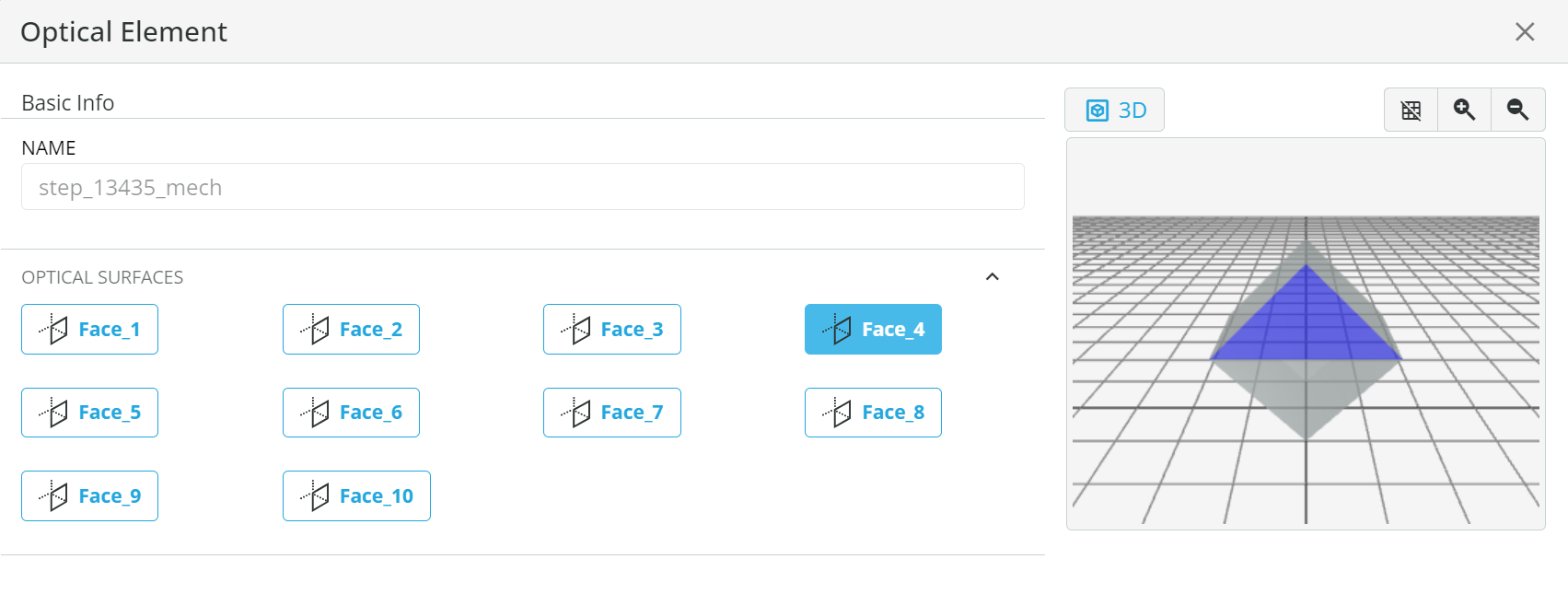
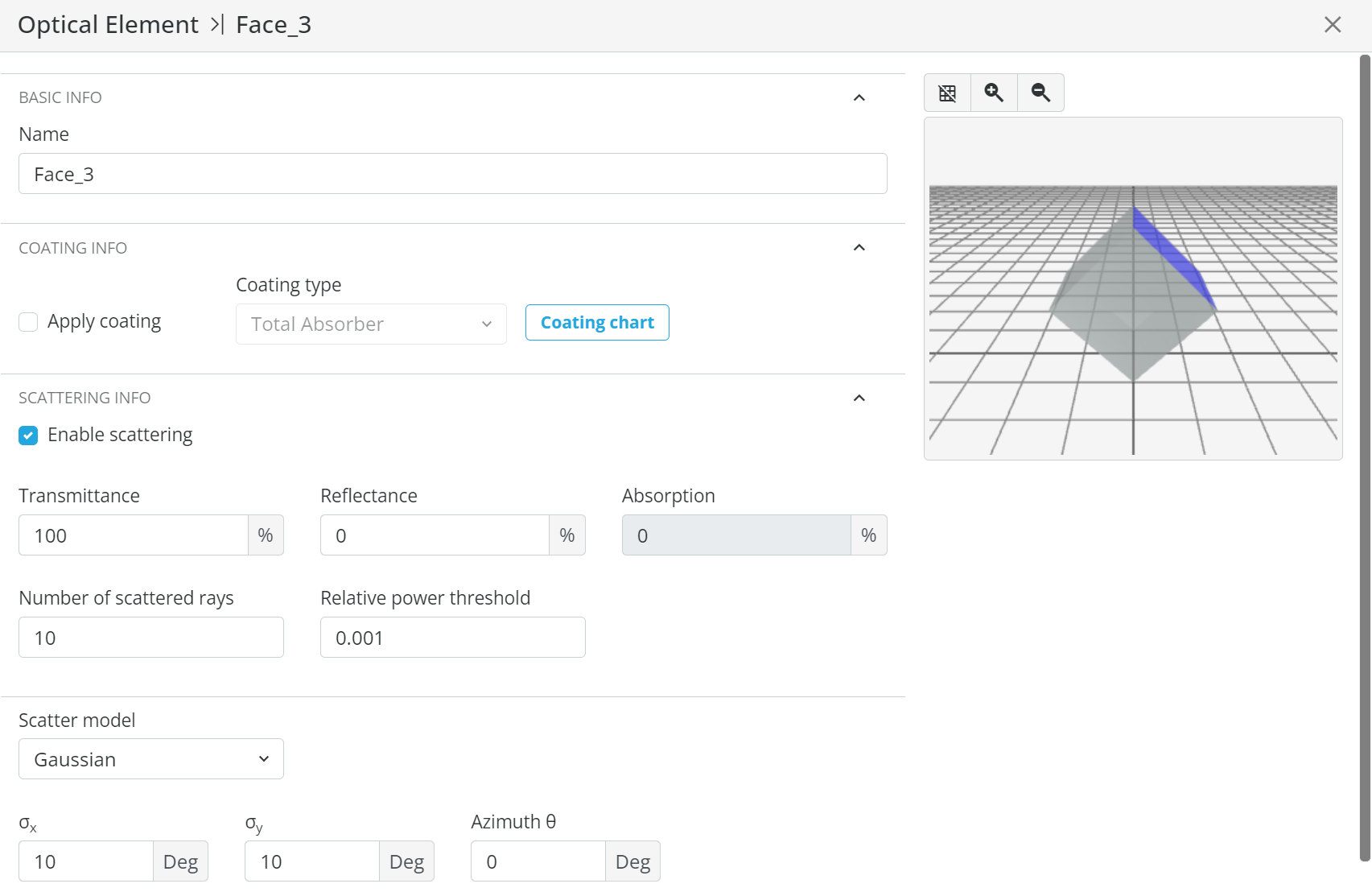
You can apply optical properties (scattering for both optical and optomechanical CAD and multireflection for optical CAD) to each surface of your CAD object. There are 2 ways of applying it:
Applying coatings to a whole object or selected surfaces (premium license)
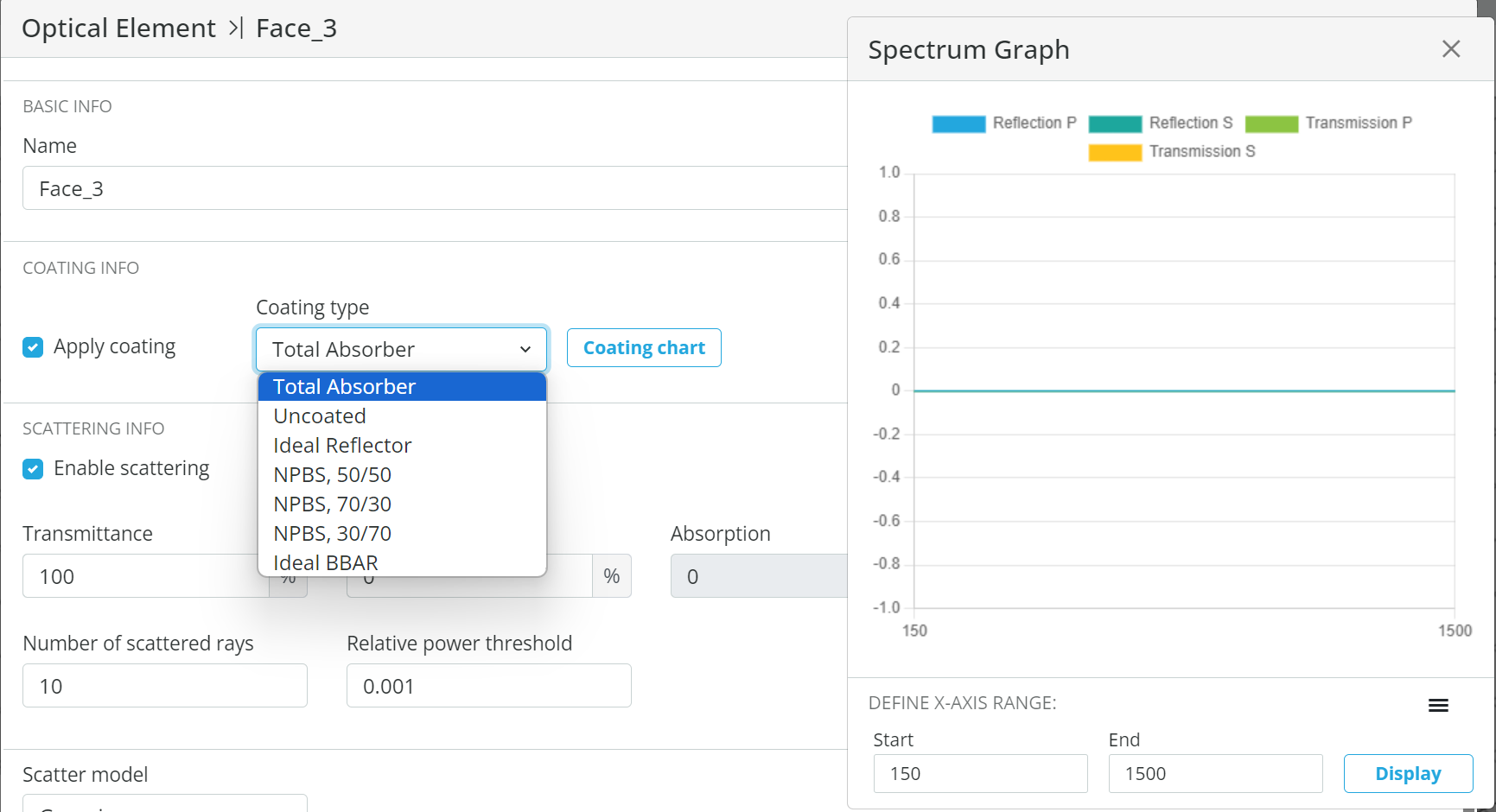
The process is similar to the previous one (applying properties to surfaces). The only difference is that the coating info chapter is used here. For applying the coating - the “apply coating” checkbox should be checked and then one of our library coatings should be selected. The selected coating chart can be presented. Soon we shall allow user-defined coatings to be applied
3D Polarization
Polarized Light Source
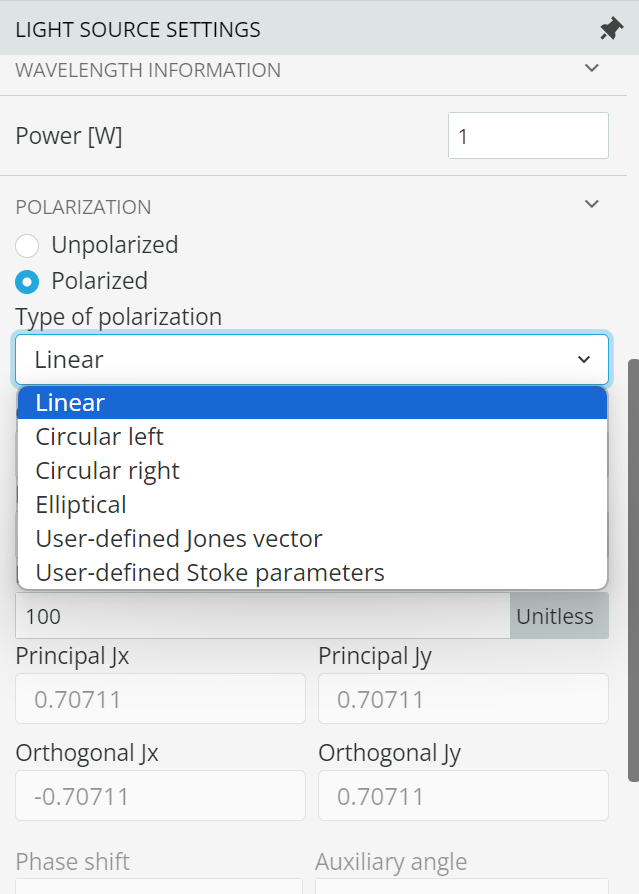
Your light source polarization state can be defined now. Select your light source > > Polarization>check the “Polarized” option> select the polarization type and specify the polarization parameters
Analysis, Polarized
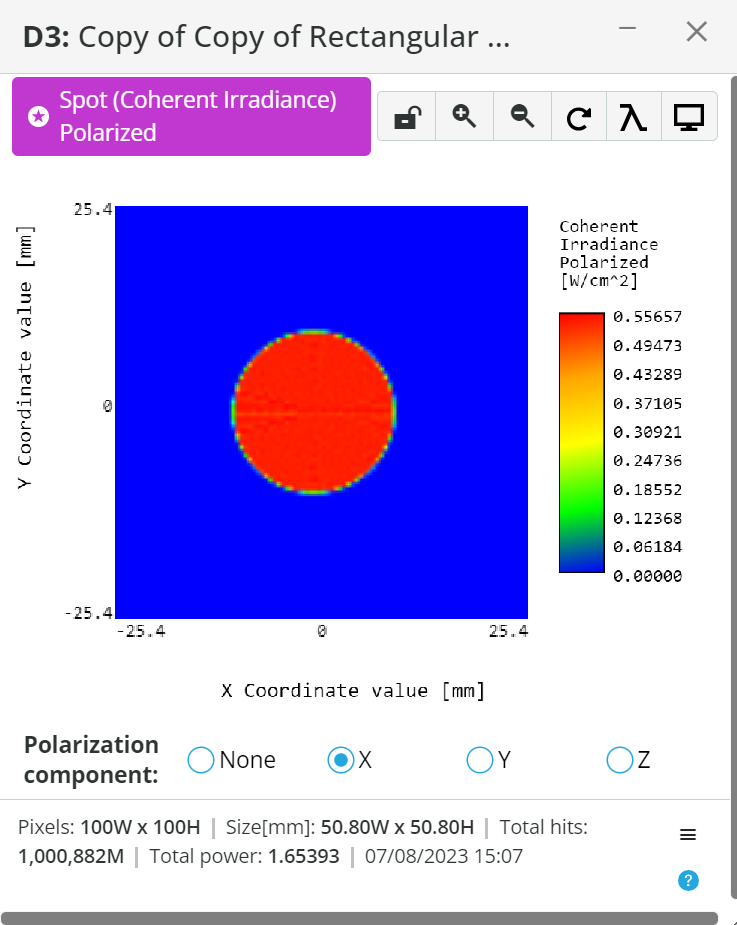
We added “Spot (Coherent Irradiance) Polarized” to the analysis portal. Here the irradiance values are presented for X, Y or Z components, or all together. The components axes are in accordance with the Global Coordinate System (GCS) axes. In the next version, we’ll add a toggle button to select between GCS and LCS
Diffraction
Huygens diffraction model analysis (premium license)
We are proud to announce that we added Huygens full model of diffraction to our analysis portfolio. Huygens model uses no approximations and as such - provided the most accurate results in computational diffraction.
Currently Huygens model supports:
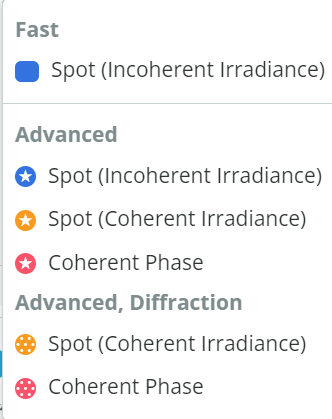
We provide 2 types of Huygens diffraction analysis data - Spot Coherent Irradiance and Coherent Phase. You can select them in our analysis portal:
Ideal Gaussian Light Source (premium license)
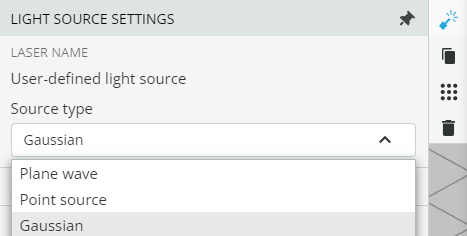
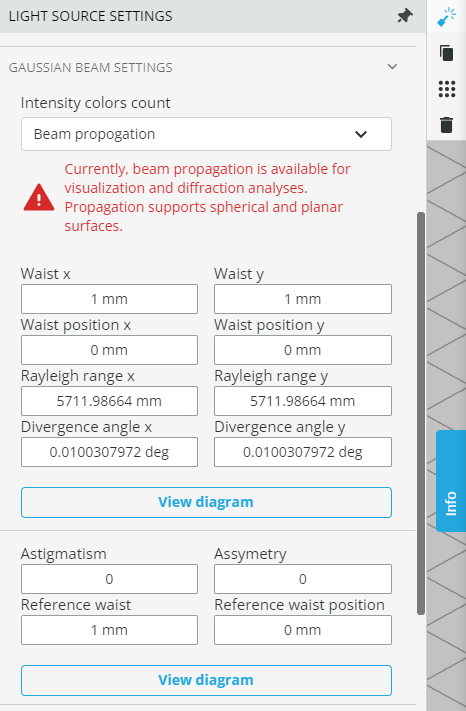
We added Ideal Gaussian Light Source to our light sources library. Ideal Gaussian Light Source can be used for visualization (see next chapter), calculations, and diffraction analysis. In the next release, it will support ray tracing, so the rest of the analyses can be done using this light source. In order to use - select Gaussian in the light source settings category and then proceed with Gaussian parameters:
Educational Gaussian propagation (EGP) on a layout
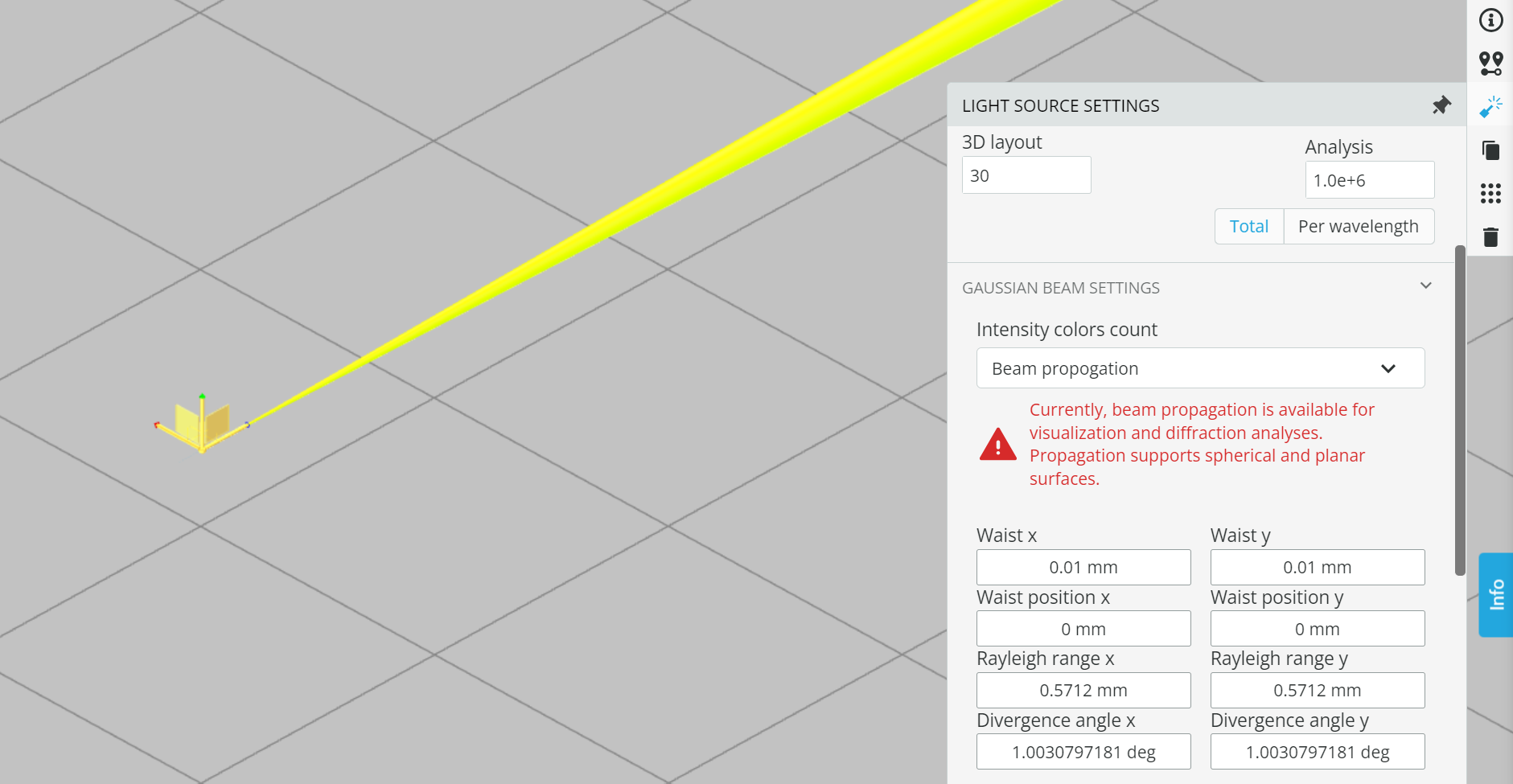
When using a Gaussian light source, clicking on the “propagation simulation” button will present educational Gaussian propagation on the layout
Custom Optics Creation (premium license)
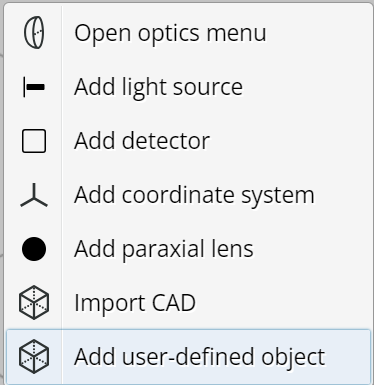
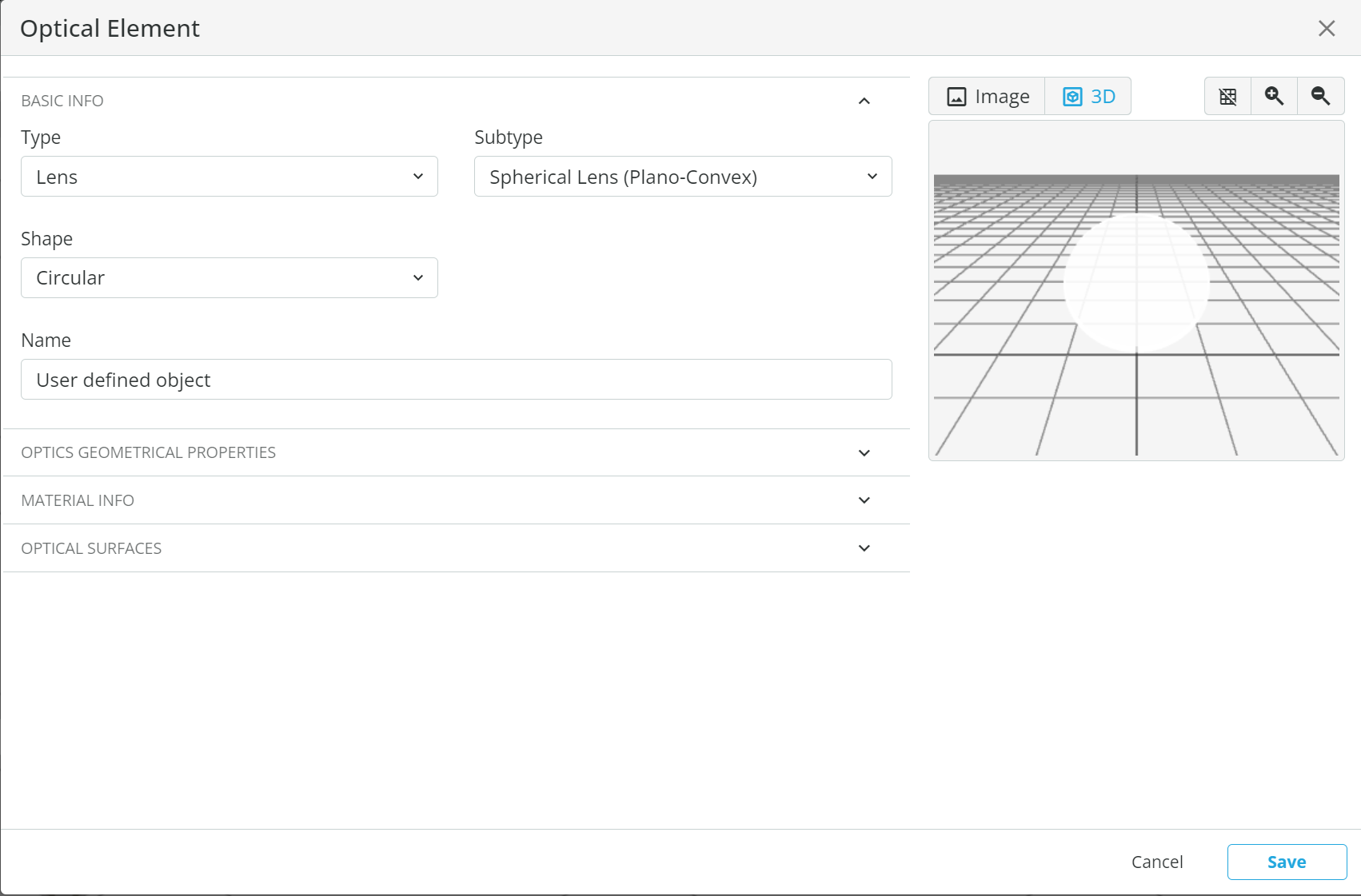
So far for creating customized Optics, a user selected one of 3DOptix library elements and then changed its geometrical properties and/or materials. Now any element can be created from scratch. To activate: right-click>add user-defined object
A dialogue window will open where a user will be driven through categories and parameters definition.
Coordinate System (CS) Scaling
The size of Local Coordinate System (LCS) axes is now dynamically adjusted to the related object/surface size
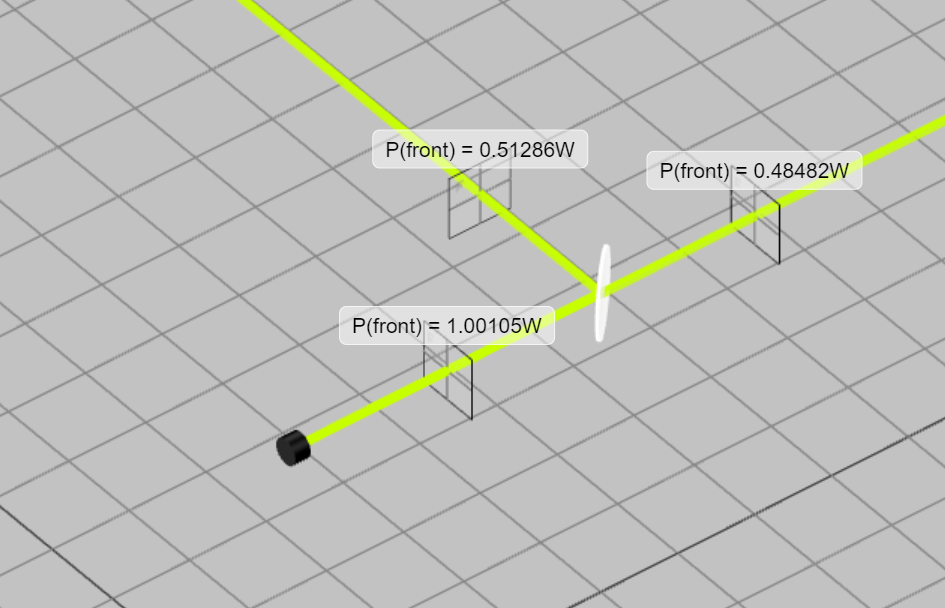
Power Meter Display
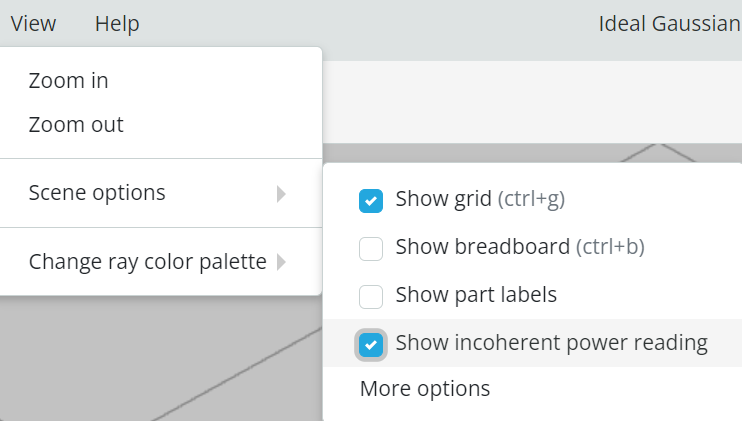
Now you can see your power reading on layout, without opening the analysis portal each time. In order to activate: View>Scene Options>Show incoherent power reading. Power reading will be presented near each detector, for which incoherent irradiance analysis is defined